Add the booking block to your theme
The booking block sits on your product page template, under the price. Customers pick an option, a day and a time, answer your questions and check out like any order.
- In Keptly, open the setup guide and click "Put booking on my store". The theme editor opens with the block already added to your product template.
- Drag the block where you want it. Most stores put it right under the price and hide the theme's own buy buttons, which Keptly does for you on service products.
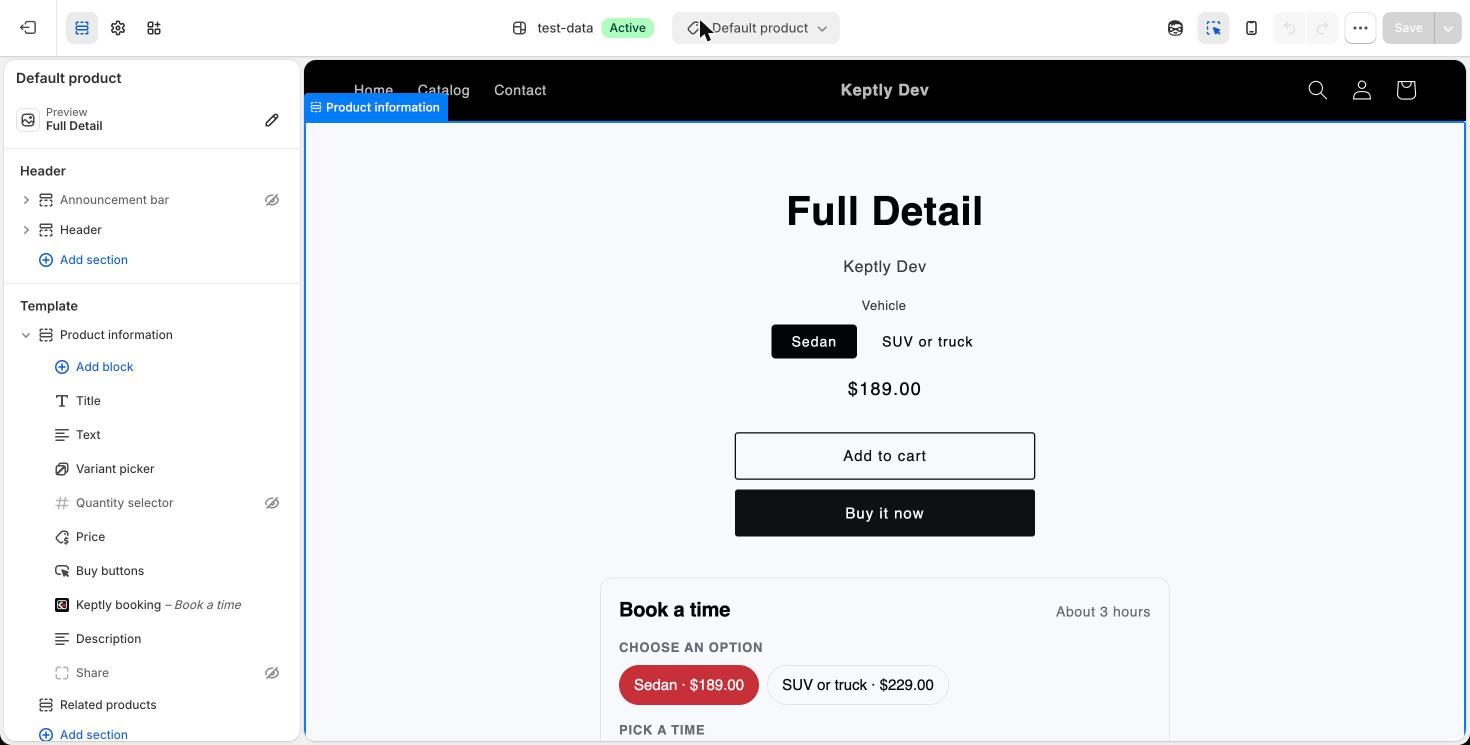
- Click Save in the top corner of the theme editor.
- Open one of your services on the storefront. You should see the days and times. Back in Keptly, the setup step shows Done.
Still stuck? Contact support or email hello@keptlyapp.com. A person replies within two hours, 8 am to 8 pm Central, every day of the week.